


Installation of Collection Management for Windows Walkthrough
The below screenshots will walk you through the installation process of Collection Management for Windows.
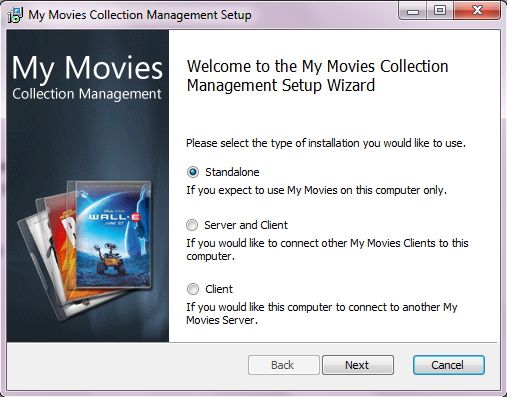 |
First you have to choose which type of installation you wish to use. You can choose between 'Standalone', 'Server and Client' and 'Client.' To learn more about server and client read this article. When you have made your choice click 'Next'. |
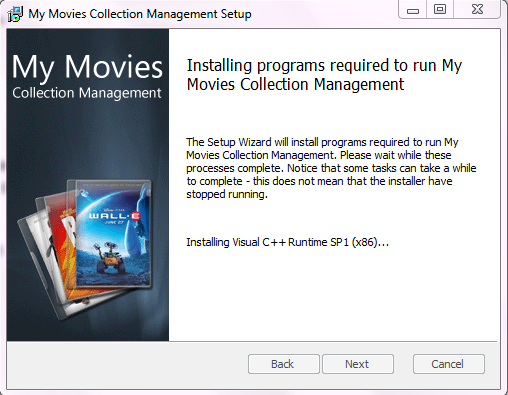 |
Now the setup wizard will run the installation of programs required to run My Movies Collection Management, this may take a while. |
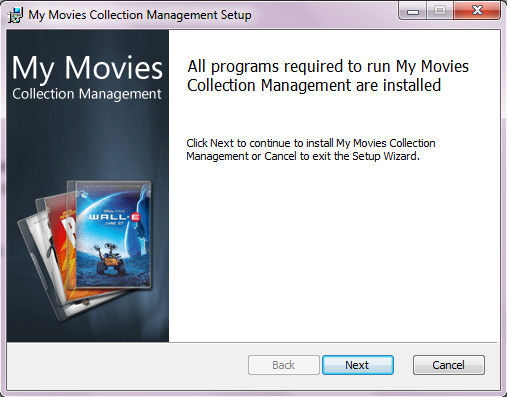 |
Once the installation is complete click 'Next' to continue to install Collection Management. |
 |
|
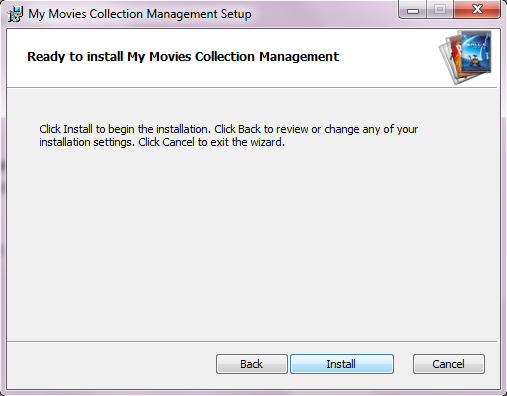 |
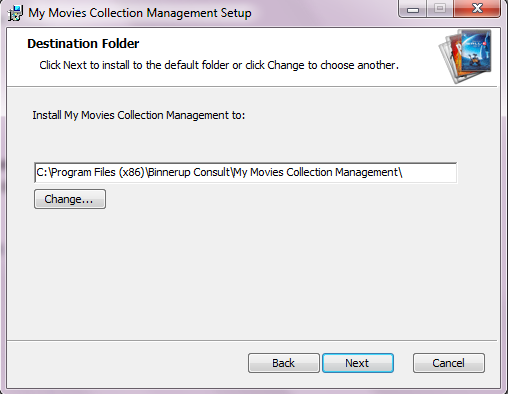
The setup wizard is ready to install the program. If you are happy with the settings, click 'Install' and the installation will continue. |
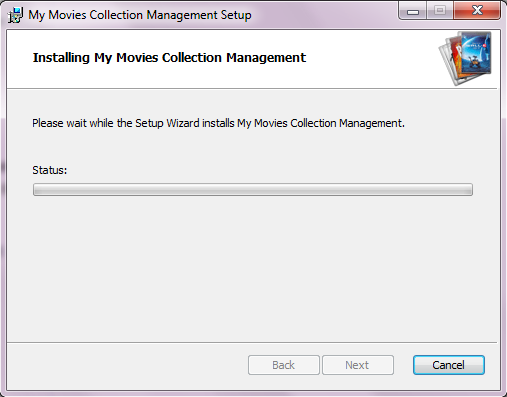 |
The installation is now in progress, this may take a while. |
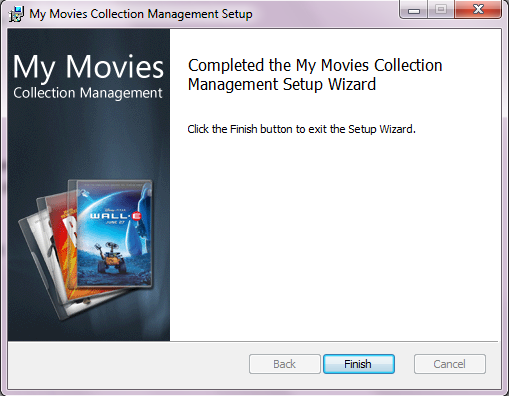 |
Once the installation is finished, you can click 'Finish' and the Collection Management is now installed and ready to be used. |

