My Movies 6 for iPhone & iPad

My Movies 6 for iPhone & iPad - Collection Management & Media Discovery
My Movies 6 for iPhone & iPad is the fatest, easiest and most pleasing way of keeping track of your movie collection, and discovering new movies & tv series to watch. Using our high quality movie and tv series database with the worlds best coverage of physical media profiles, as well as movies and tv series for digital usage. Browse your collection or see popular titles with high quality covers and posters, trailers and much more.
Use My Movies to easily track a large collection of physical media using the camera barcode scanner, or add digital copies of movie and tv series through title searches, and get a great overview of your collection through searching, advanced filtering and sorting. Keep track of who loans your discs, and never forget which movies or tv series episodes you have watched and when you watched them. My Movies inspires you through title details, trailers, upcoming movies and random pick, and the high-resolution covers and posters makes the experience almost real. Customization and personalization makes the application your own, and the password protected parental control secures your children. Share your experience through social media or display your collection list through email, PDF or your own online collection list.
My Movies is available for several clients, but you only need to create one account to access your collection on all clients. Your collection is stored on our servers, and therefore you never lose your collection. If you are already tracking your collection using another application, our importer makes it easy to switch. Our database is the best available, but, but if a title is missing you can report it and our team will create it for you.
Purchase Options
There are two ways of purchasing My Movies 6 for iPhone & iPad; recommend is a subscription model, where you though the standard "My Movies 6" version can choose between a single-platform subscription option paid for either monthly or yearly, covering just the iPhone & iPad platform, or a cross-platform premium subscription option, paid for yearly, which covers all the platforms we support, which currently is iPhone/iPad, Android, Windows, Mac OS X and Web.
For users who prefers an app purchase, we have the non-autorenewable in-app purchase available, with 24 months of service operation, which covers just the iPhone & iPad platform, but includes service operation for 24 months, after which a new 24 months service operation can be purchased, or, the app can be used in read-only mode. Users who purchase this option during our December campaign, will be offered another half price 24 months operation period at the end of their current period.
The only difference between the versions is the purchase model - the feature set, and the support is exactly the same, allowing you to choose the model you prefer.
Users who would like to evaluate the application before purchasing can though application create a subscription trial, which can be cancelled.
|
My Movies 6 - Movie & TV Collection Library*
|
|
Free for 50 titles. |
*The application allows you to fully evaluate the software before subscribing to a subscription. The aplication is limited to a maximum 50 titles - if your collection already contains more than 50 titles, the application simply lets you synchronize the first 50 only, but offers a free subscription trial. Users of prior versions of My Movies for iPhone & iPad can also safely use the My Movies 6 version to evaluate the new features, without risking the data in their collections.
Note! The app is discounted until December 31'st, to let users of prior My Movies versions upgrade at a discount. If you are upgrading to My Movies 6, and you are unsure which upgrade option to choose, we suggest to read this page.
What's New in My Movies 6?
Users upgrading from My Movies 5 can see a list of what is new in My Movies 6 by clicking here.
If you are upgrading from the long time deprecated My Movies 4 version, you can additionally see what was new in My Movies 5 by clicking here.
If you are upgrading from the long time deprecated My Movies 3 version, you can additionally see what was new in My Movies 4 by clicking here.
Easily Add Titles to Your Collection
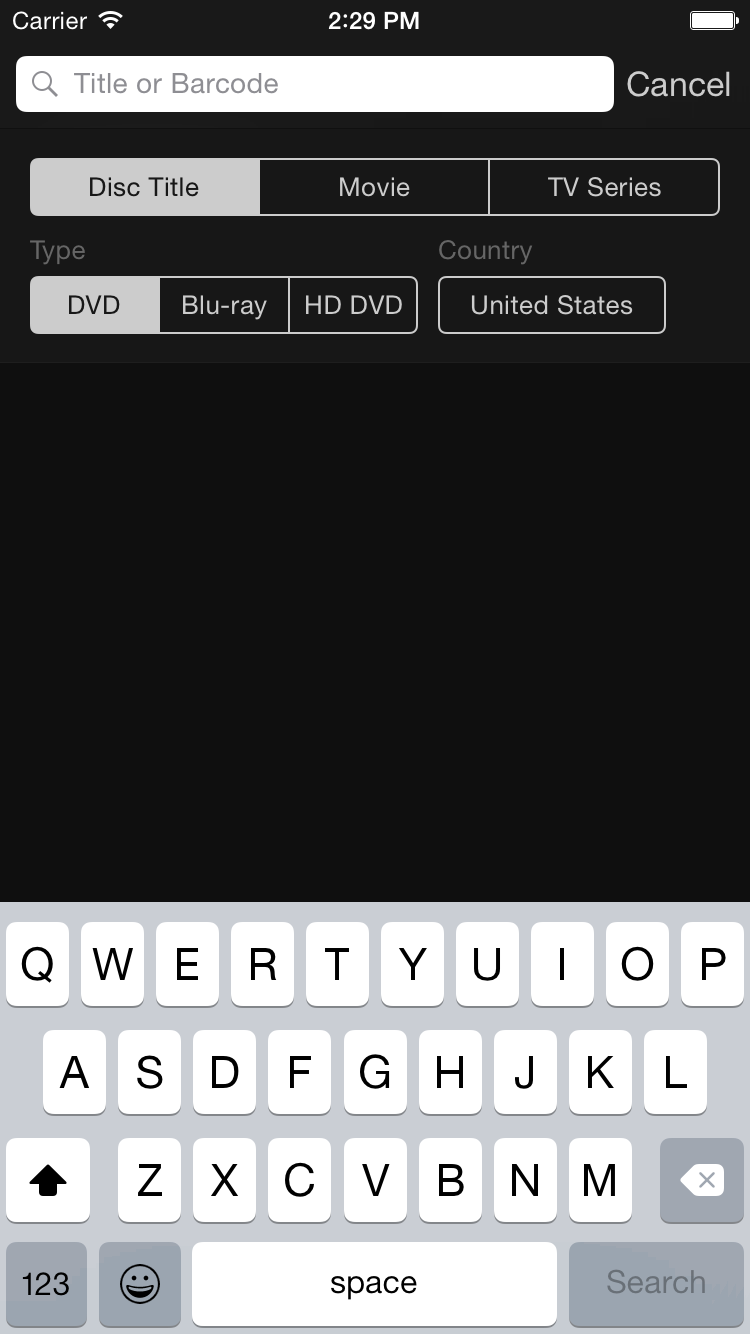
Use the camera barcode scanner to quickly add disc titles on DVD or Blu-ray to your collection, or view trailer and details of a DVD or Blu-ray by scanning the barcode using the camera. The barcode scanner contains a multi scan feature which allows you to add multiple titles at once, making it easy and quick to catalog your entire collection. You can just as easily add disc titles by typing the barcode or title, as well as add movies or tv series on digital copies through title searches from our large online collection of titles.
Play or Download
Connect the application to My Movies 5 for Windows or My Movies Home and Essentials Server Solution, and for all titles converted with the video converter, either directly play the titles in-house, or download titles to the device to watch at any time, without the requirement of an internet connection. If you have a Google Chromecast device, you can also cast the converted titles from the application to your Chromecast device.
Create a Large Collection
My Movies is virtually unlimited, the application is tested and validated with up to 5,000 titles. And your collection will be based on data for more than 900,000 DVD and Blu-ray titles from various countries, or our comprehensive database of movies or tv series for digital copies.
Get Inspired
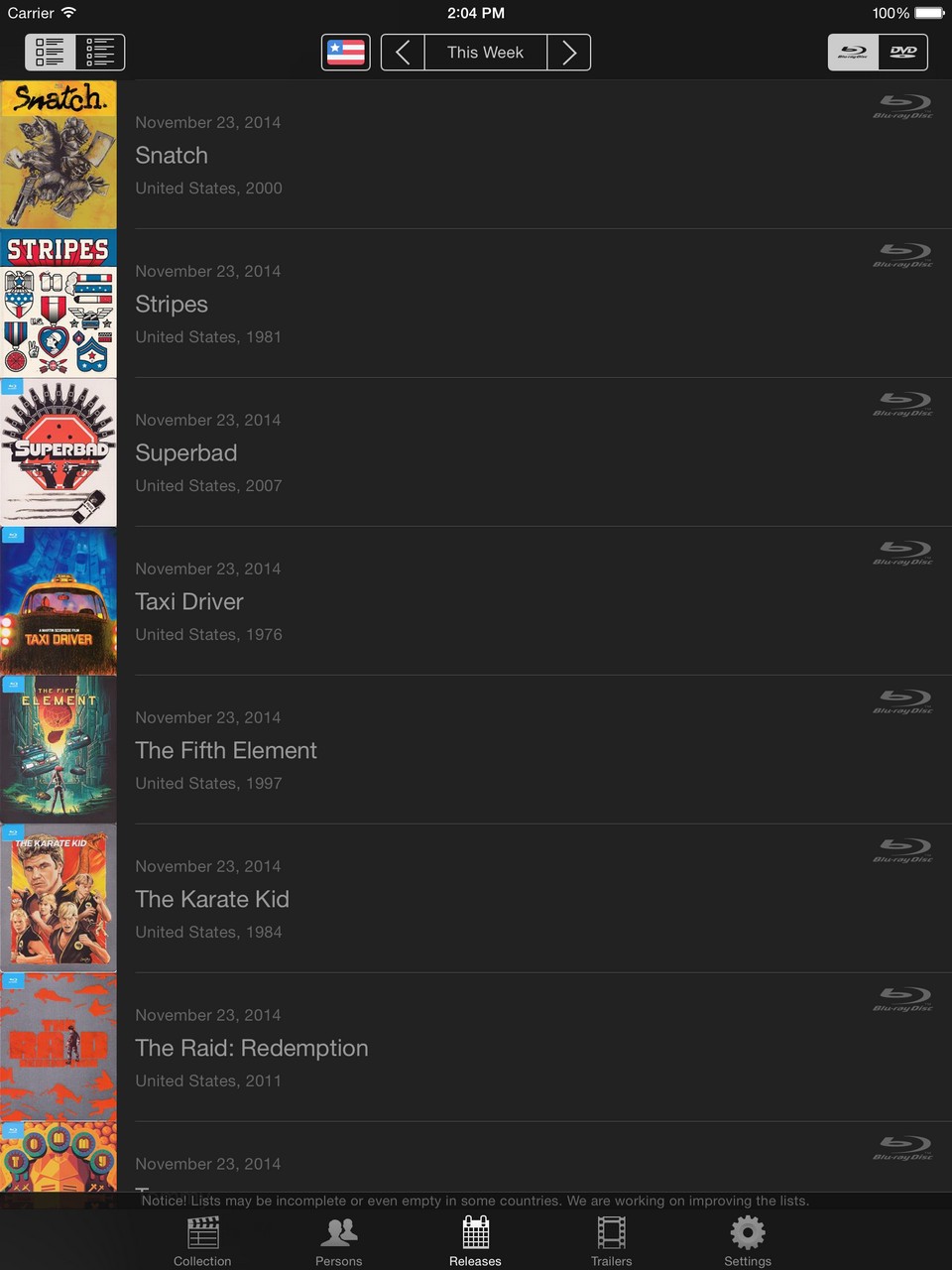
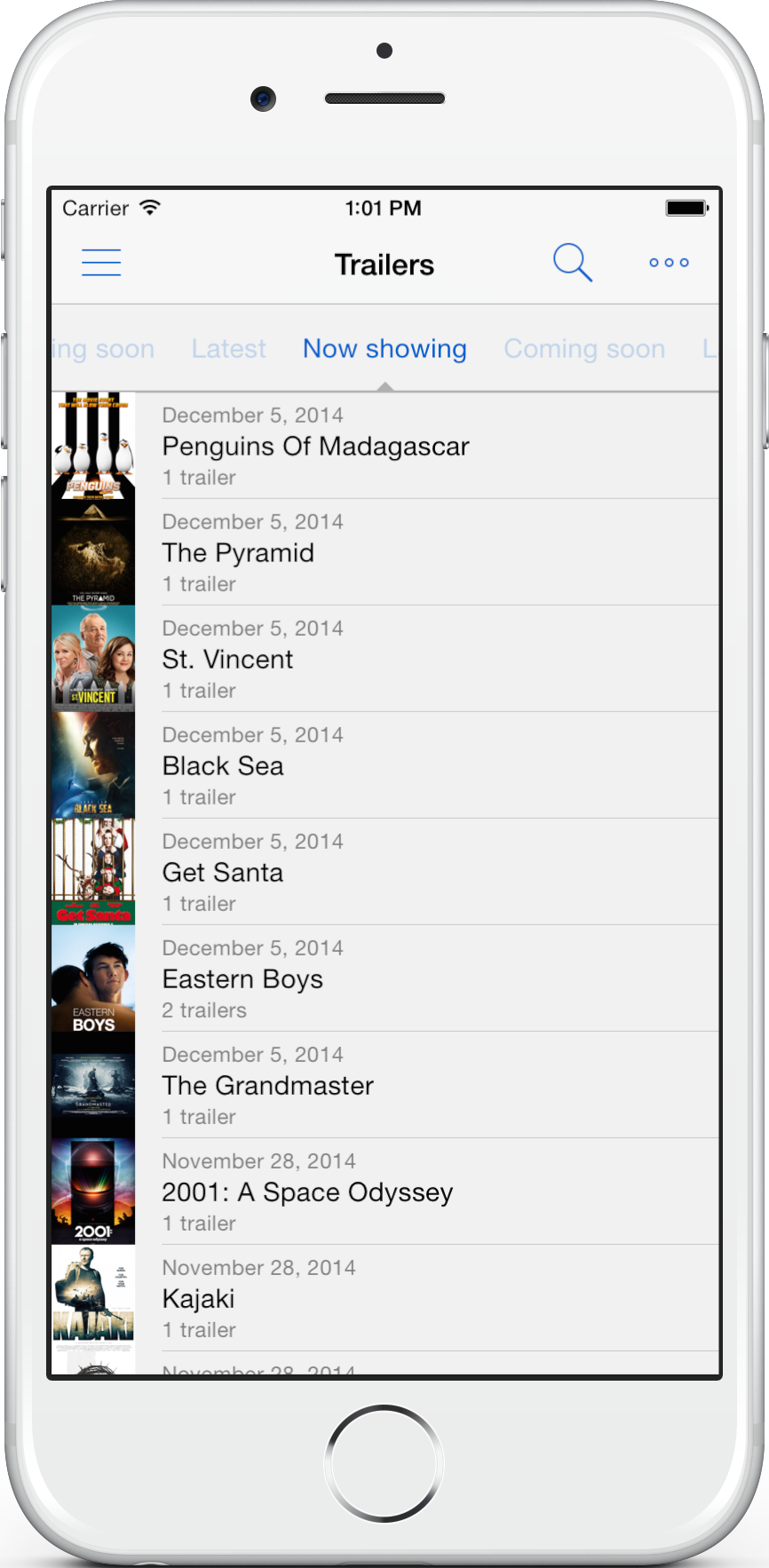
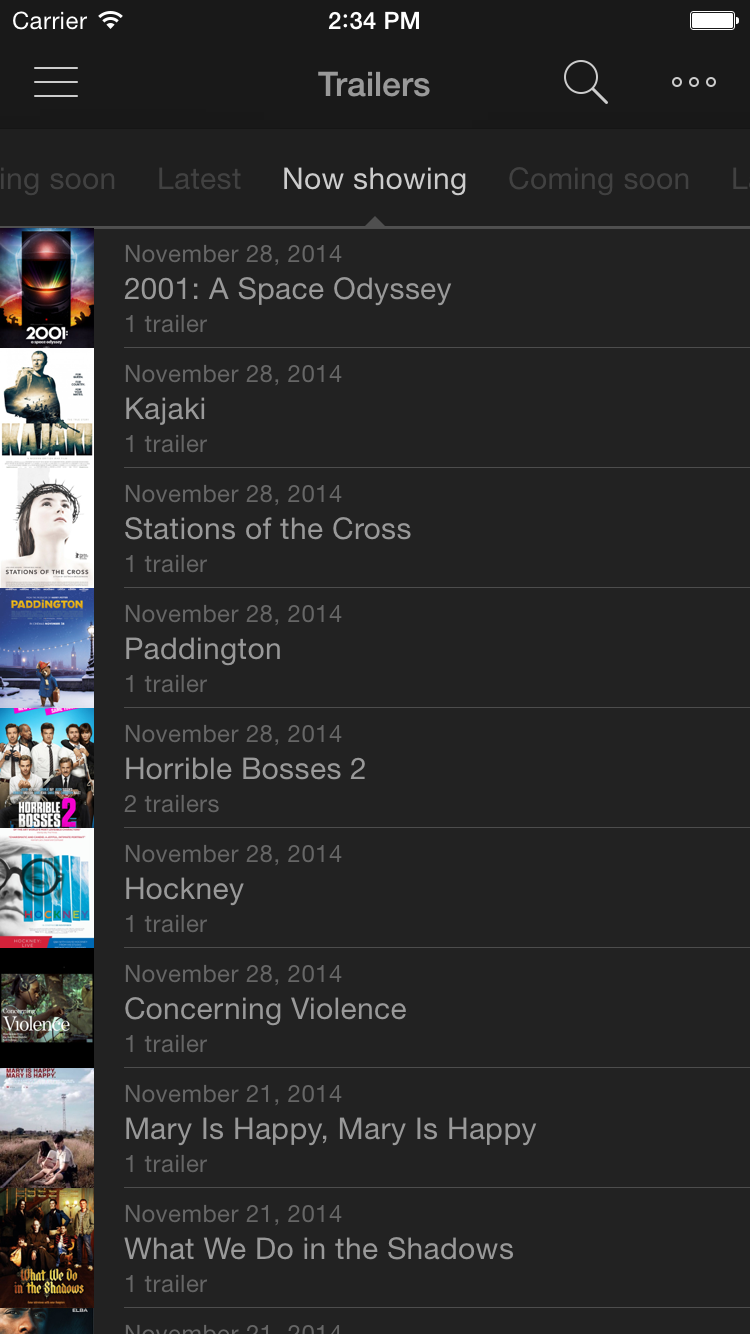
Unsure of what to watch, view movie trailers of titles in your collection, or by scanning or looking up titles. You can also see trailers of movies currently showing or coming to a cinema near you, as well as a list of upcoming DVD and Blu-ray releases in your region this week (The list may be incomplete in some countries, we are always working on improving these lists).
Unable to choose which movie to watch from your collection, just shake your device and it will pick a random movie for you.
The 'Real' Experience
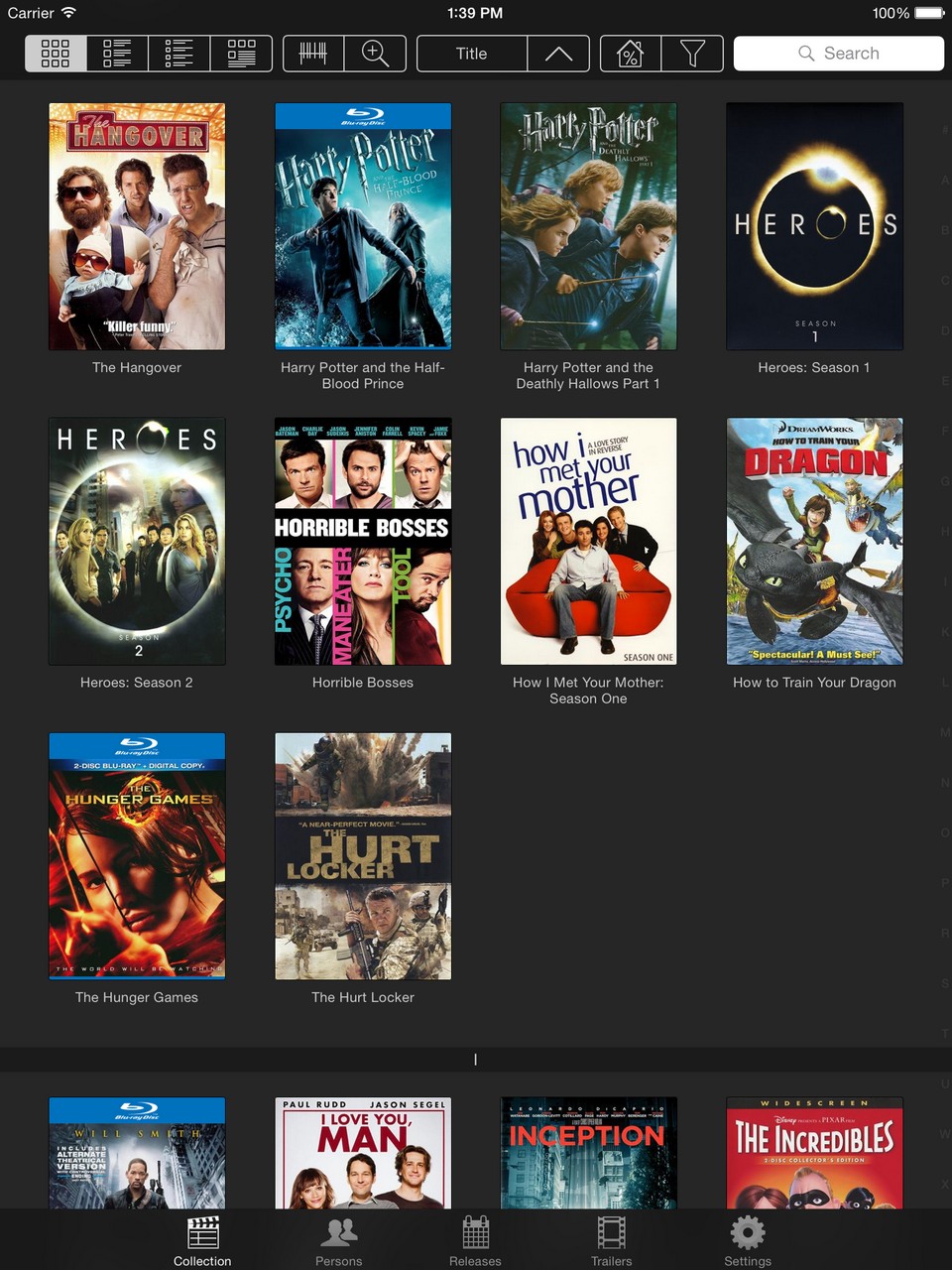
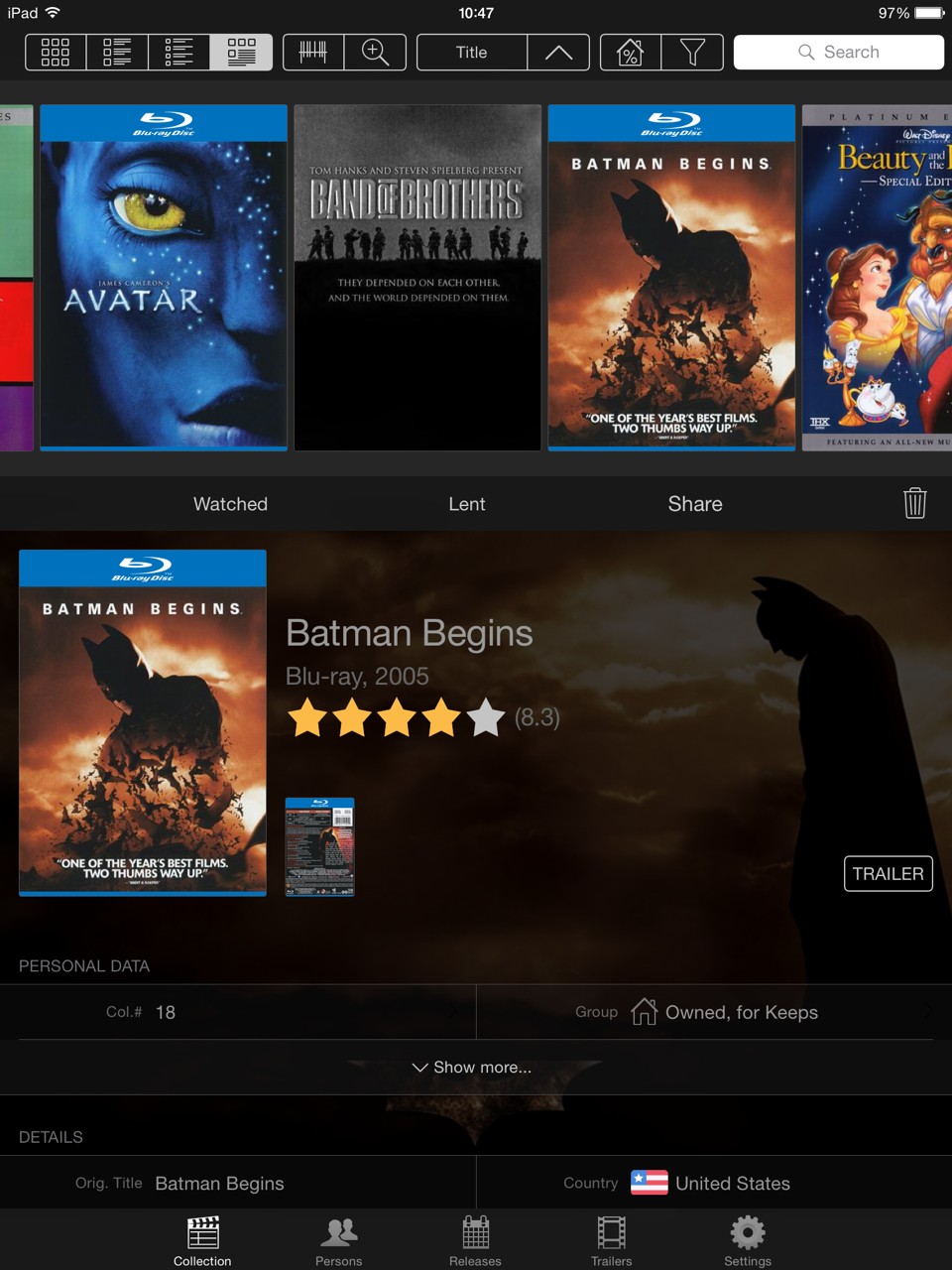
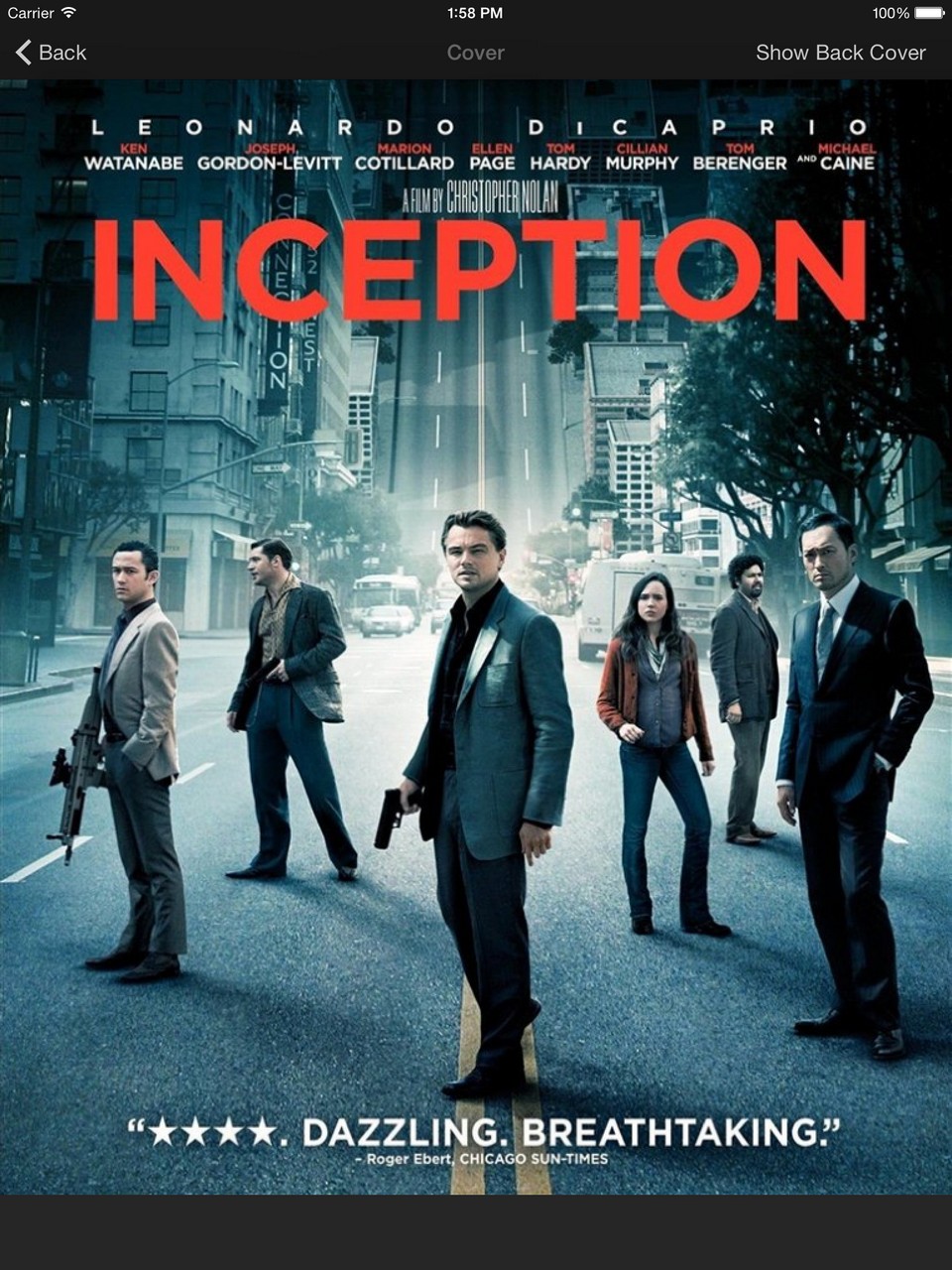
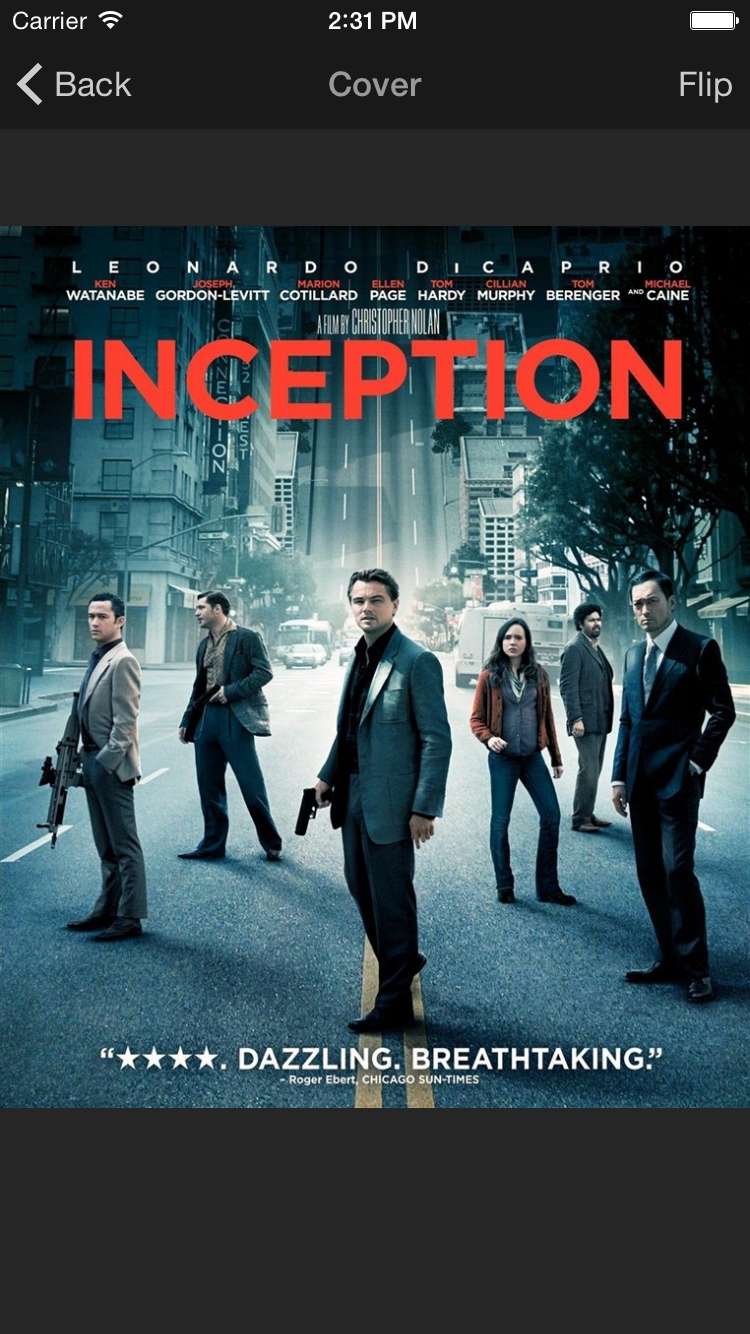
Our database contains high resolution covers for most DVD and Blu-ray movies, so it feels almost like looking at the real cover. You can also browse through your collection by flipping through the covers. For movies and tv series digital copies, high quality posters are available.
Easy Overview of Your Collection by Search, Filter and Sort
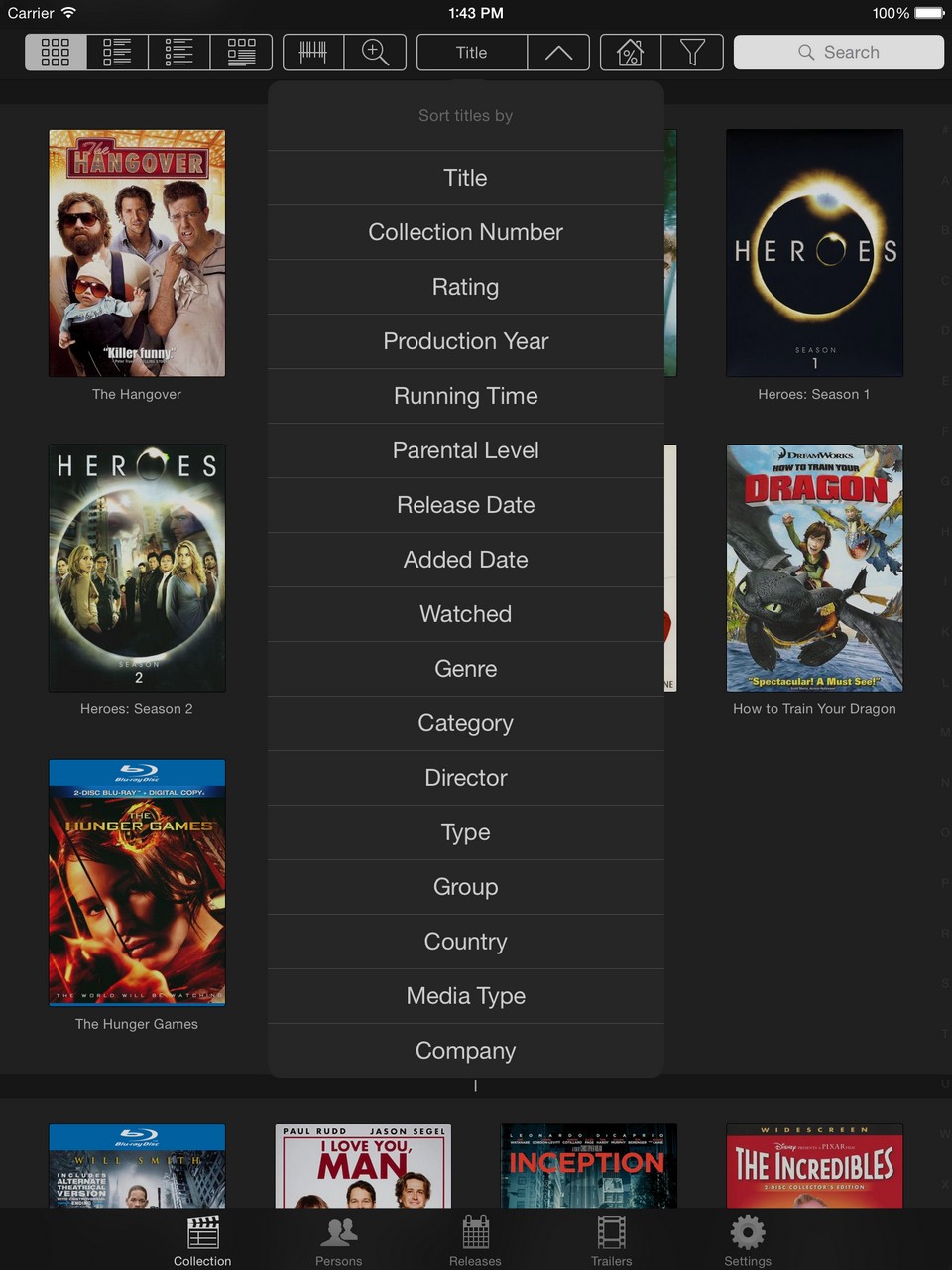
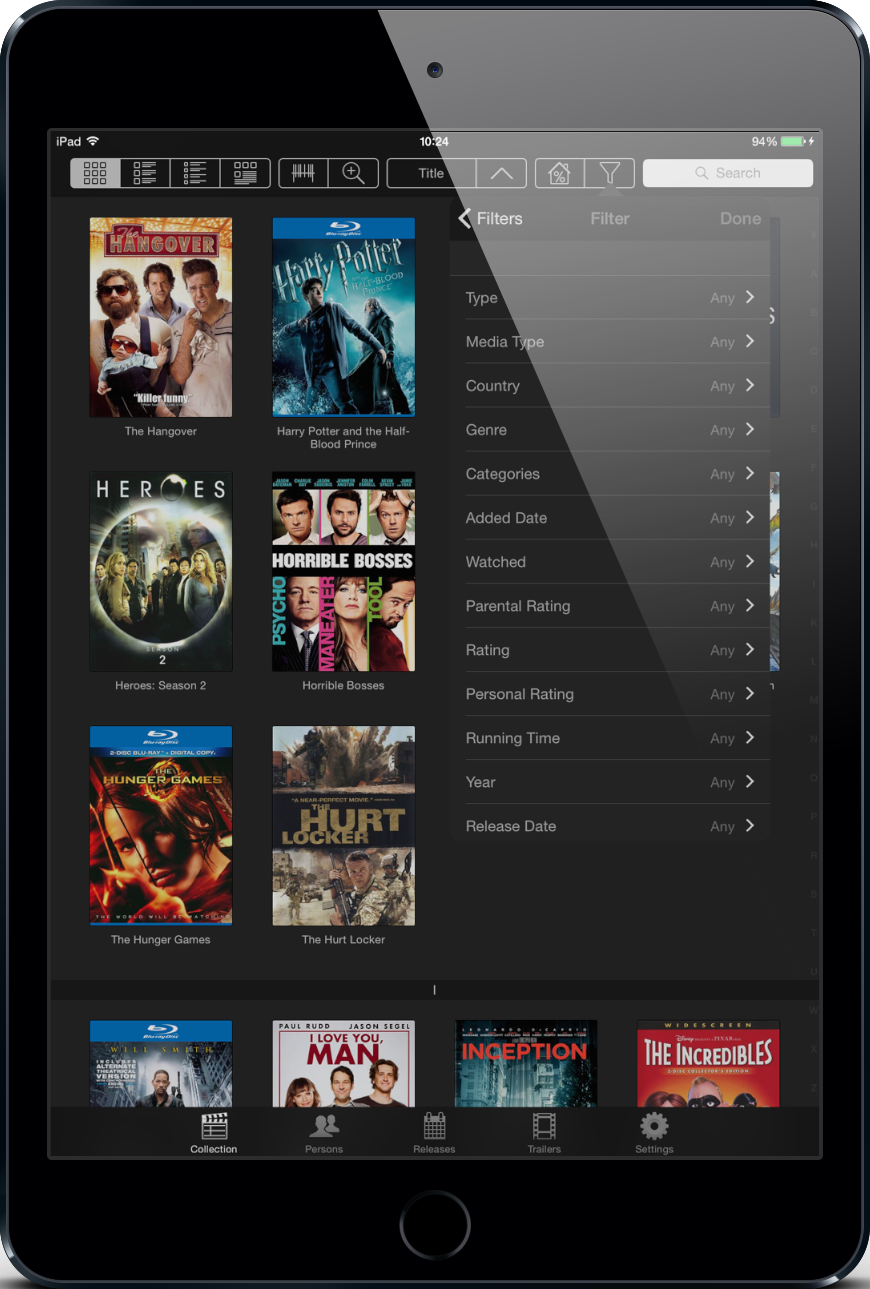
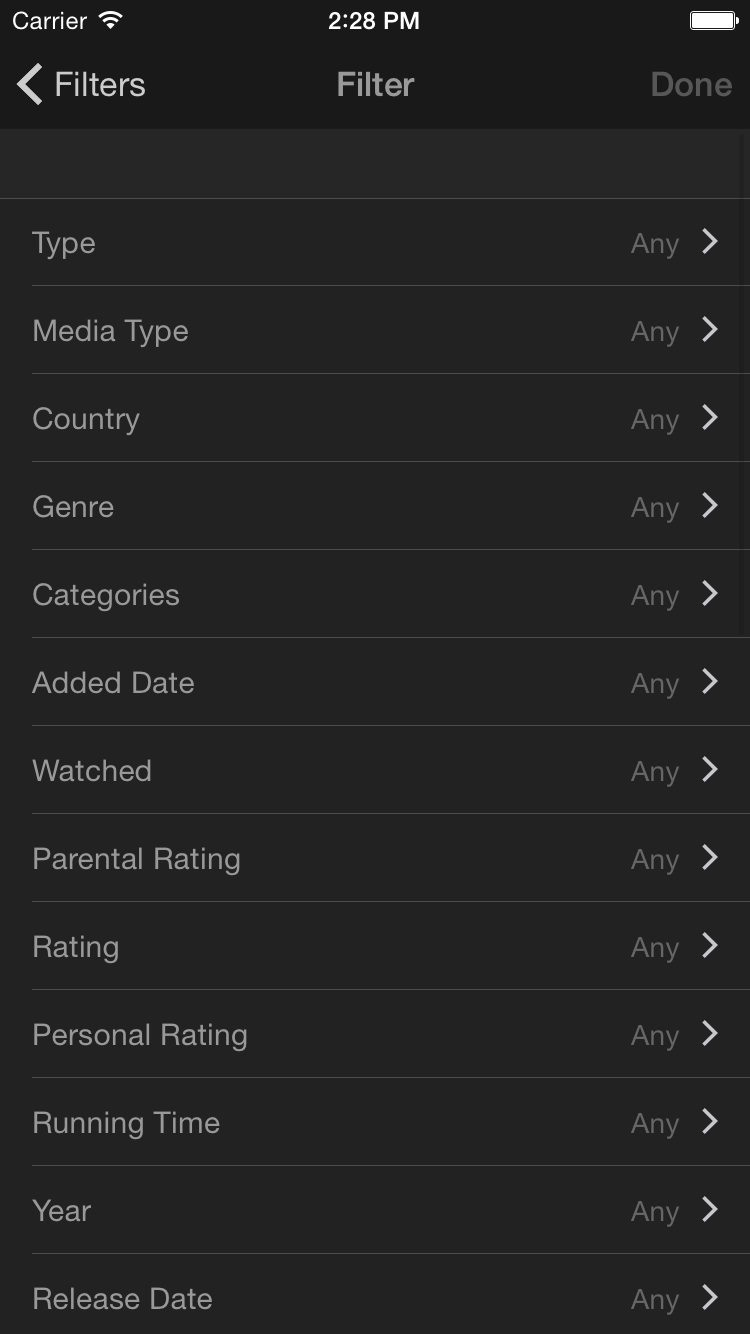
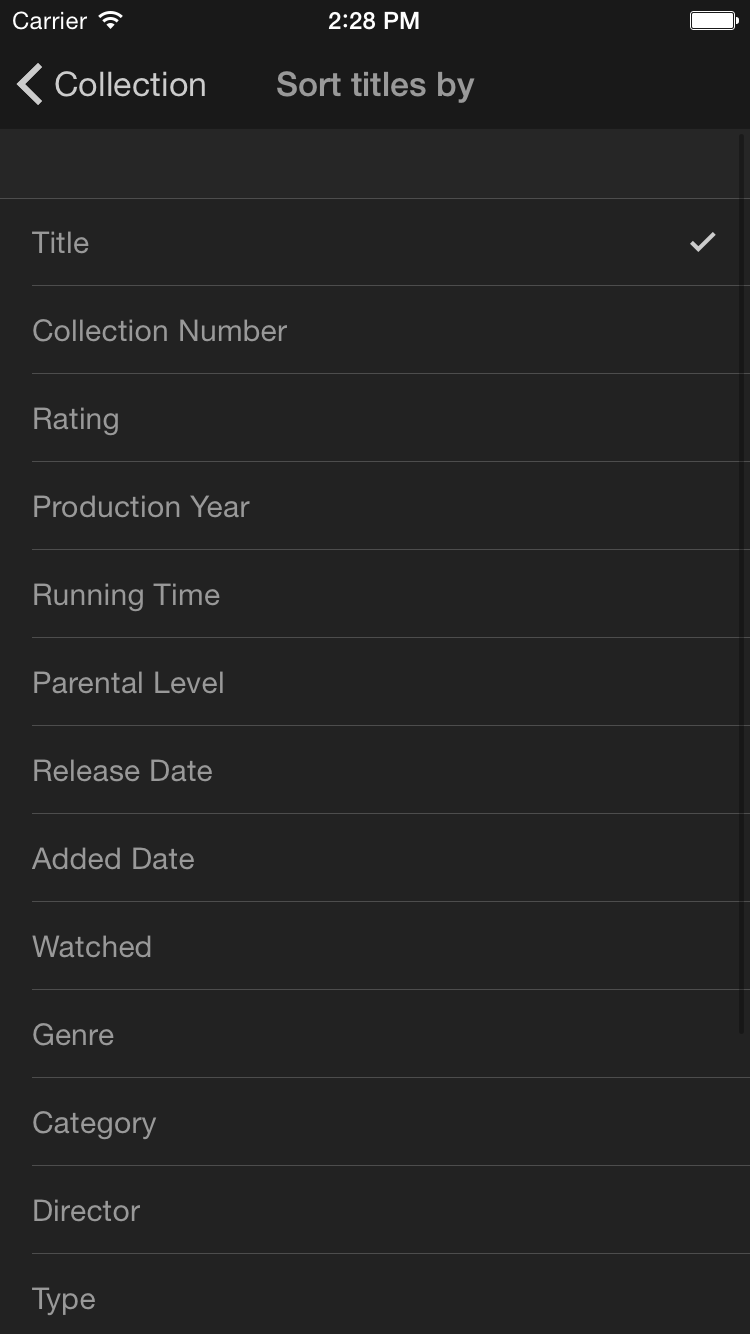
Quickly search through your collection by using the simple search function or you can sort or filter the collection according to different details such as title, rating, last added or production year to find the specific title you are looking for. It is also possible to save personal filters to customize the search.
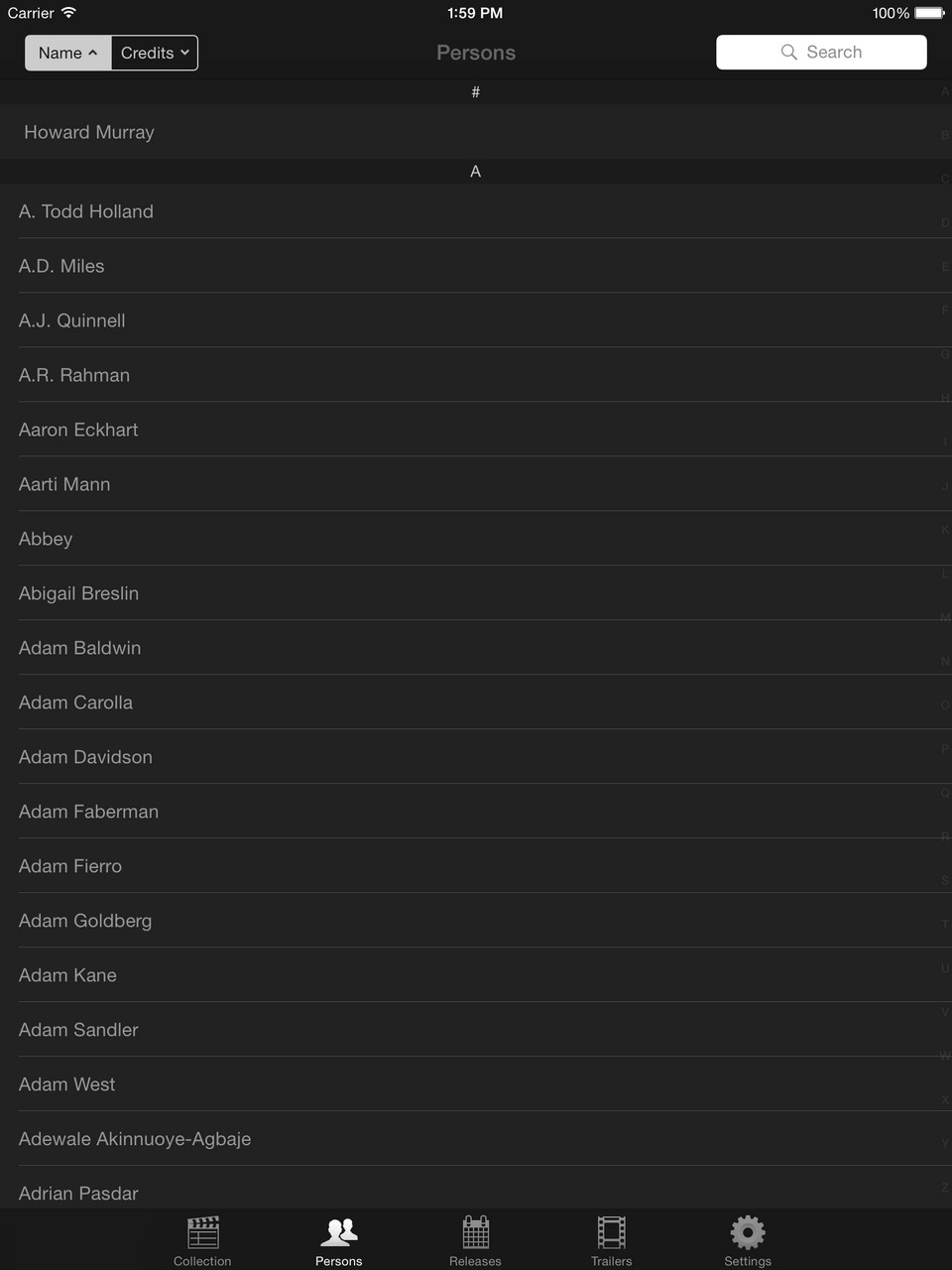
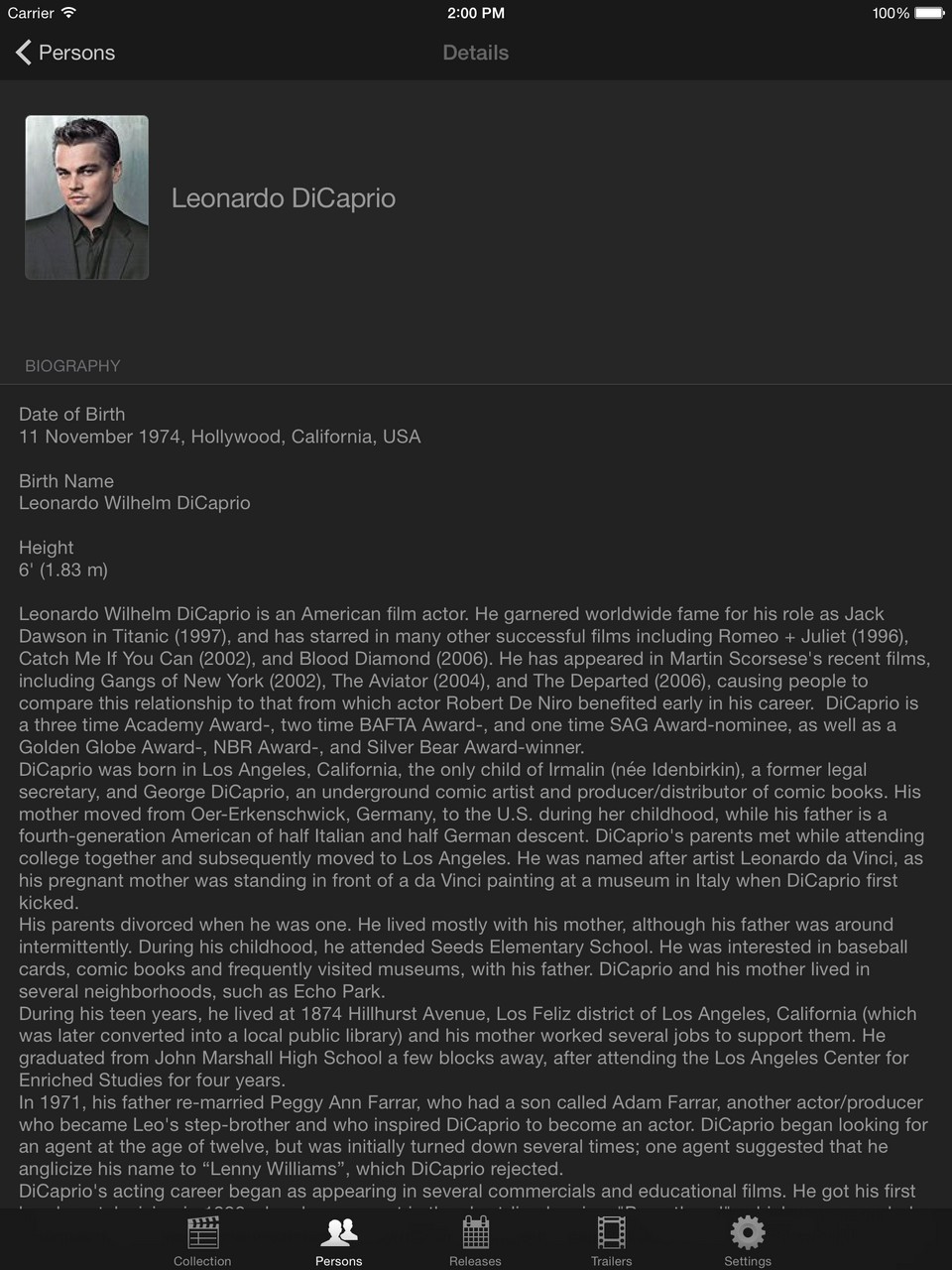
Want to see a movie with a specific actor or director, search your collection for persons, and view a picture and biography of these.
The application also keeps count of the total amount of titles and persons in your database.
Customization and Personalization
You can change the interface by choosing between a black interface optimized for black devices, and a white interface optimized for white devices, and choose different types of views and backgrounds.
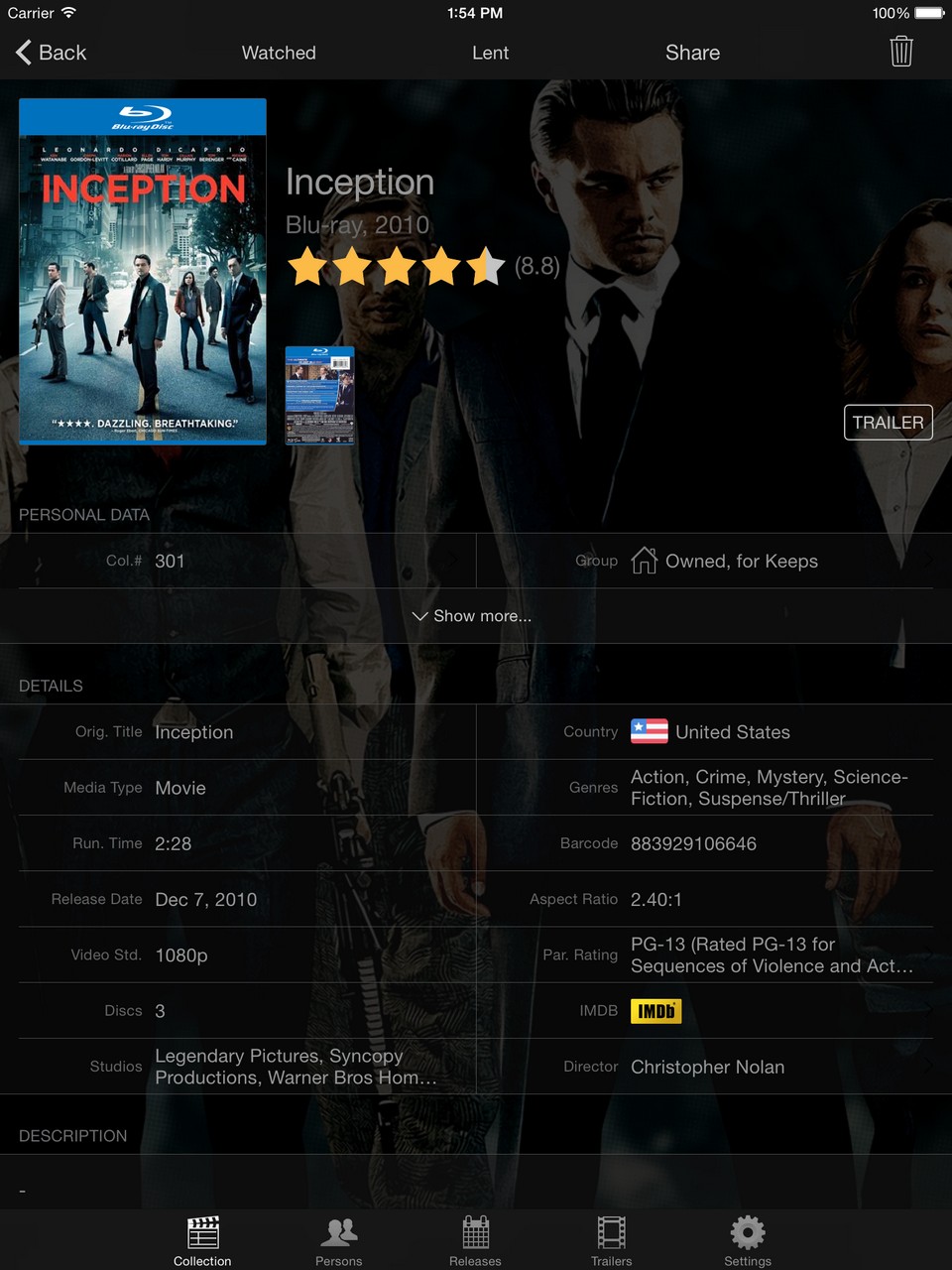
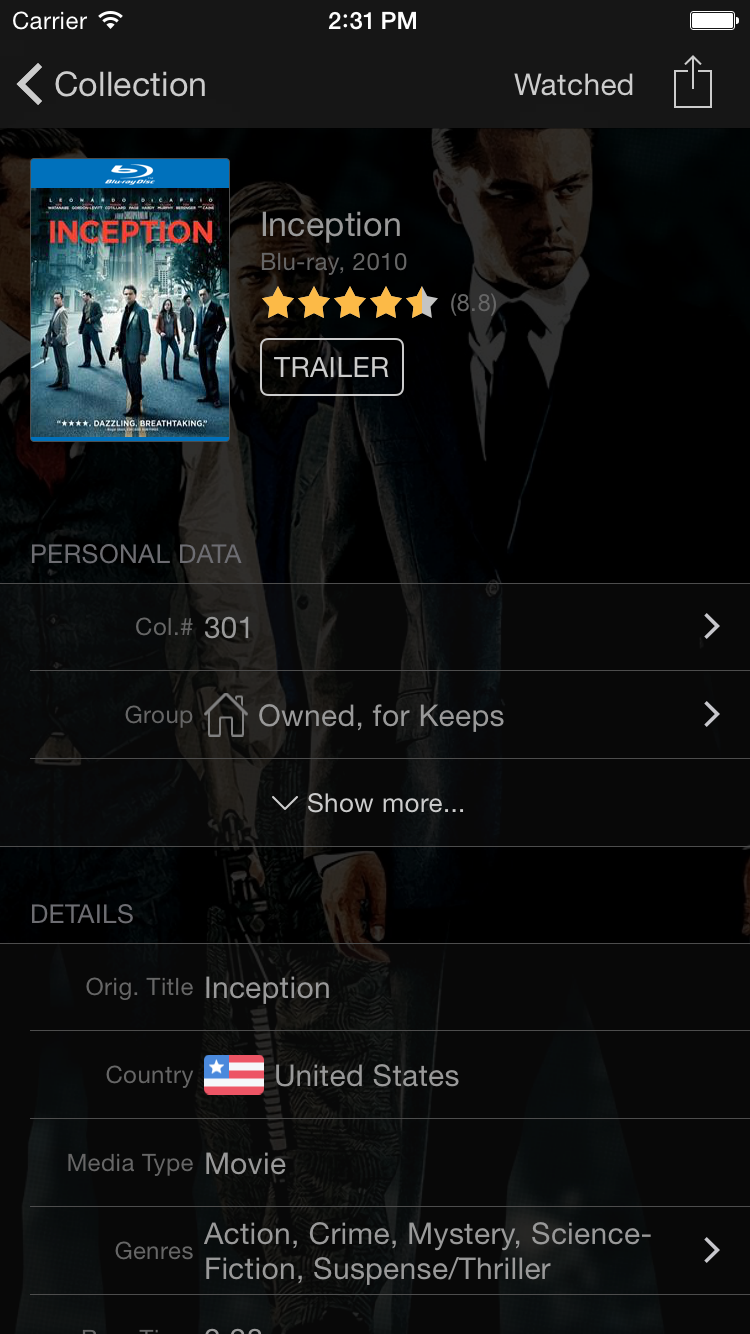
Beside from the retail data from our database, you can add personal data to your titles, such as collection number, rating, notes or you can change the title or sorting title to make it easier to find your titles. 

Add personal movies by manually creating titles, with cover and data, and make them part of your collection.
Share with Others
My Movies comes with an online version of your collection. Enable your My Movies Online Collection and share a list of your collection with friends and family - and if your online collection should not be available for anyone to see, you can even password protect it. Example collection: http://c.mymovies.dk/demonstrationhd/
Keep your friends and family up-to-date, with the titles you add to your collection, or titles you have watched through Facebook and Twitter. You can also create a PDF or send an e-mail with a list of your collection.
 Keep Track of Your Movies
Tired of loaning a movie to a friend, and forgetting about it? Register who you loan your movies to, and when you expect them back, this way you can always keep track of where your movies are at.
Never Forget Which Movies You Have Watched
The application helps to keep an overview of which movies you have watched and which you have not. You can even add the event of where you have seen the movie so you will never forget.
Parental Control
To secure your children you can activate the password protected parental control according to the rating standards.
One Account, Several Clients - Never Lose Your Collection
Create one account and synchronize your collection with multiple clients, allowing you to have access to your collection at all times.
Your collection is connected to your account and stored at our server, so even if you lose your phone you never lose your collection; it is always ready to be synchronized with a new client. And because the application keeps your collection in sync with our server, you can at any time request to update your collection with the latest data.
Use your iPhone as Remote Control
No need to pick up the remote control, connect the iPhone to your Windows Media Center or Dune media player and use it as a fully functional remote control.
Easy Switch from Other Applications
If you a currently using a different application (such as: DVD Profiler, Collectorz, Delicius Library, DVDPedia or similar) you can convert your collection through our Importer and move your collection to the My Movies application. The Importer can also convert your collection if it is stored in a text file of barcodes or IMDB id's.
Report Missing Titles
If you find a title that is not in our database, you can report it missing and our team will create the title and inform you by e-mail.
Getting started
Use the Beginners Guide for iPad and iPhone to get started. The beginners guide can also be accessed from the Help and Support section in the application.
User account
My Movies requires a user account, or you can log in using Facebook. You can use the application as a standalone product, or use it as a companion to other My Movies clients, allowing you to keep your movie collection synchronized between clients. Your collection will follow your user account through our online servers, allowing you to switch between different clients. If you log into an existing My Movies account, your current collection will automatically be synchronized to your device. The application includes an internal database containing all your data, and therefore does not require you to be online to browse through your collection.
Screenshot Gallery
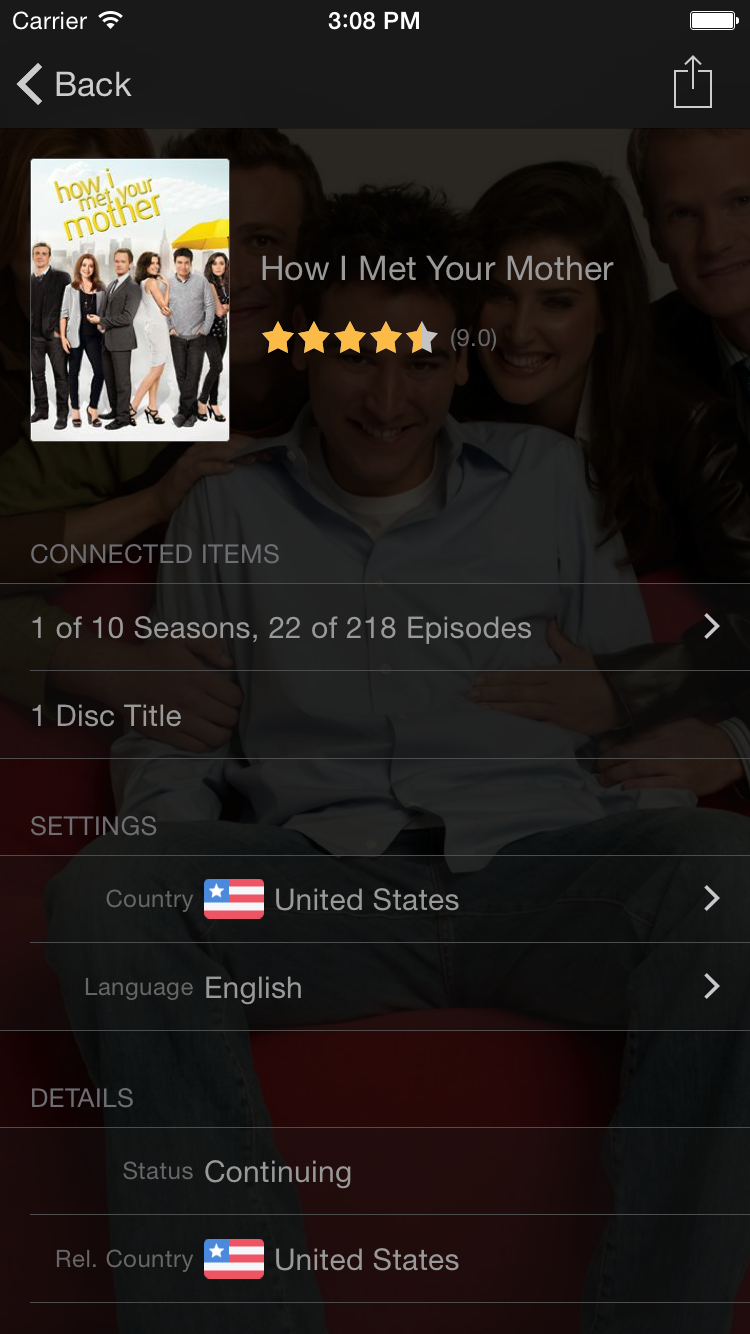
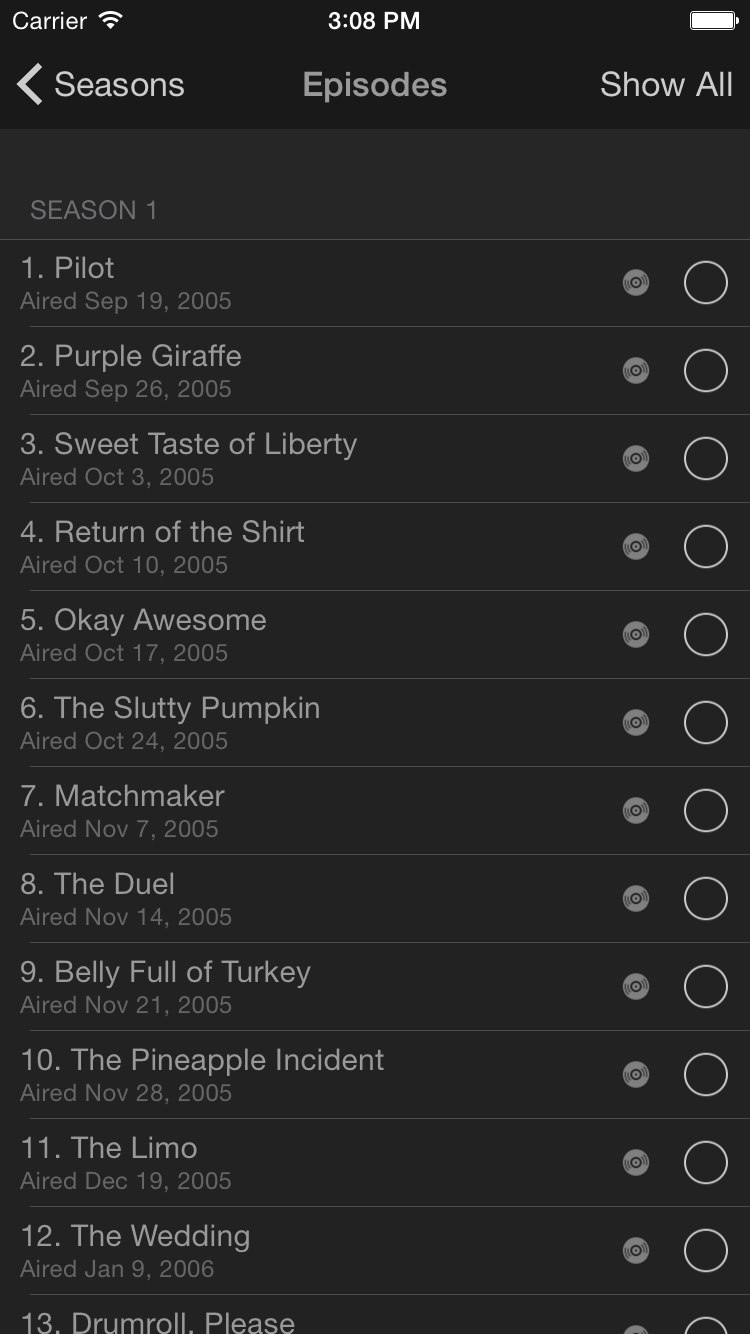
Below, you can see a gallery of screenshots from the My Movies application on iPhone.









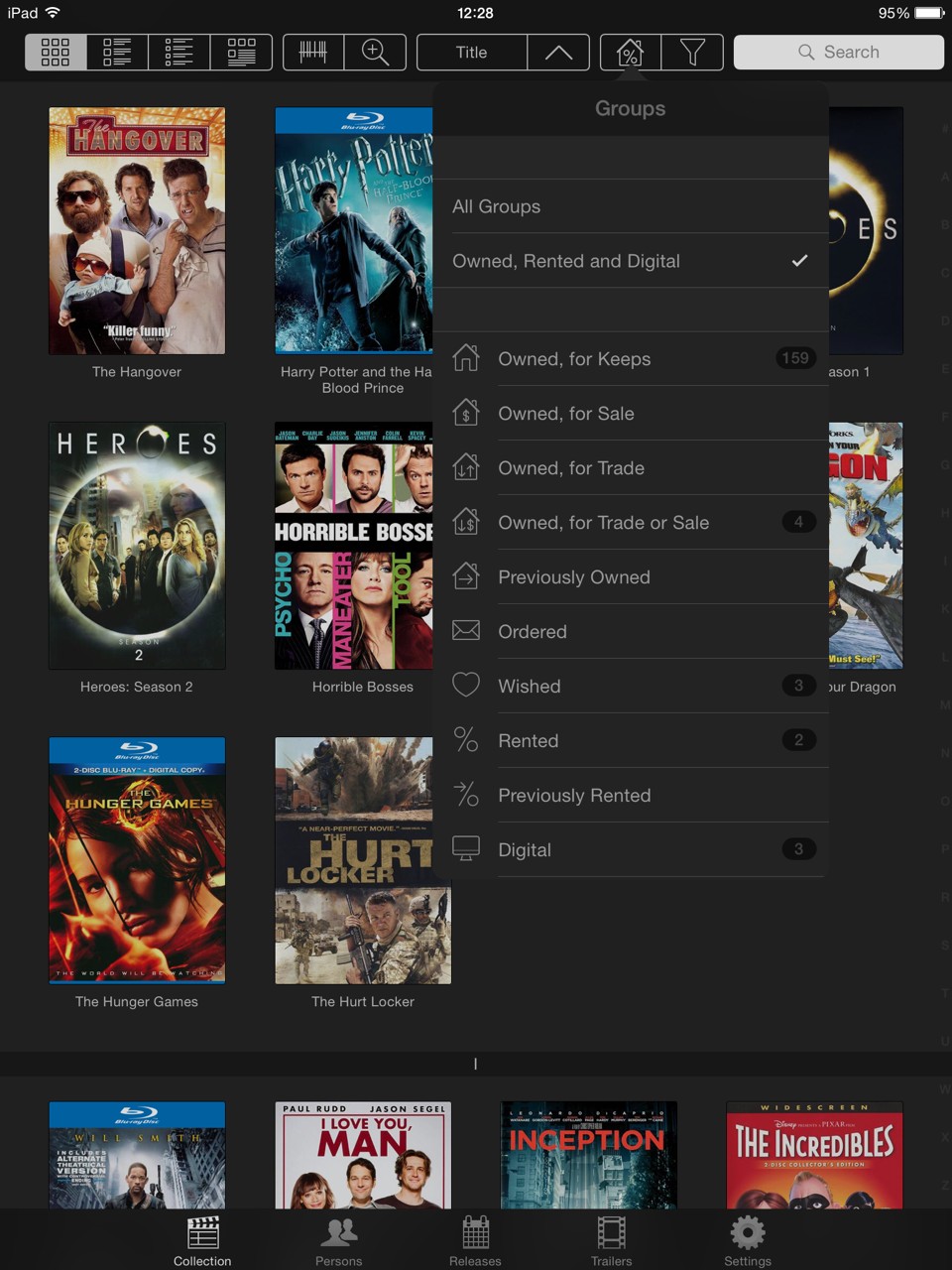
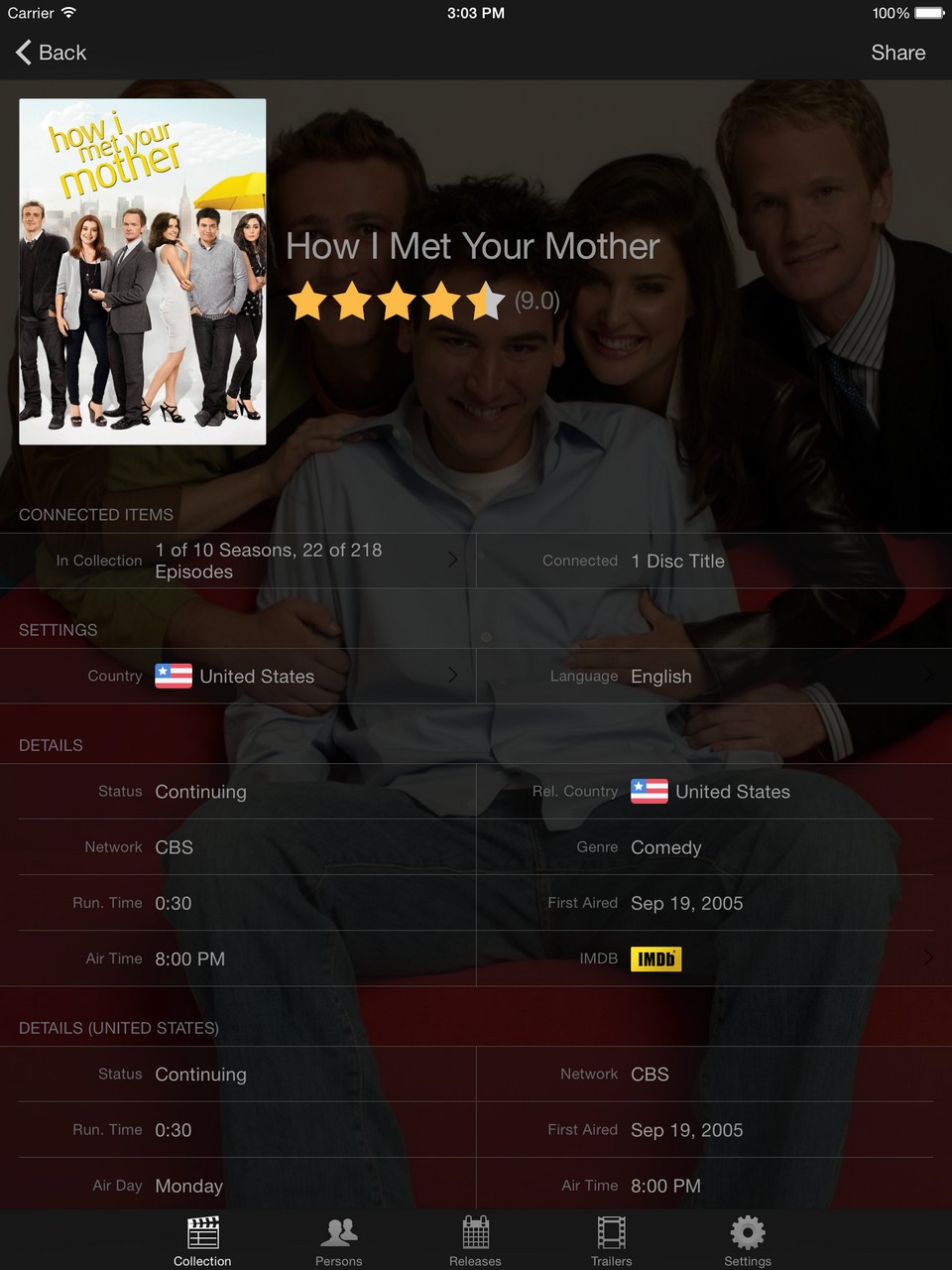
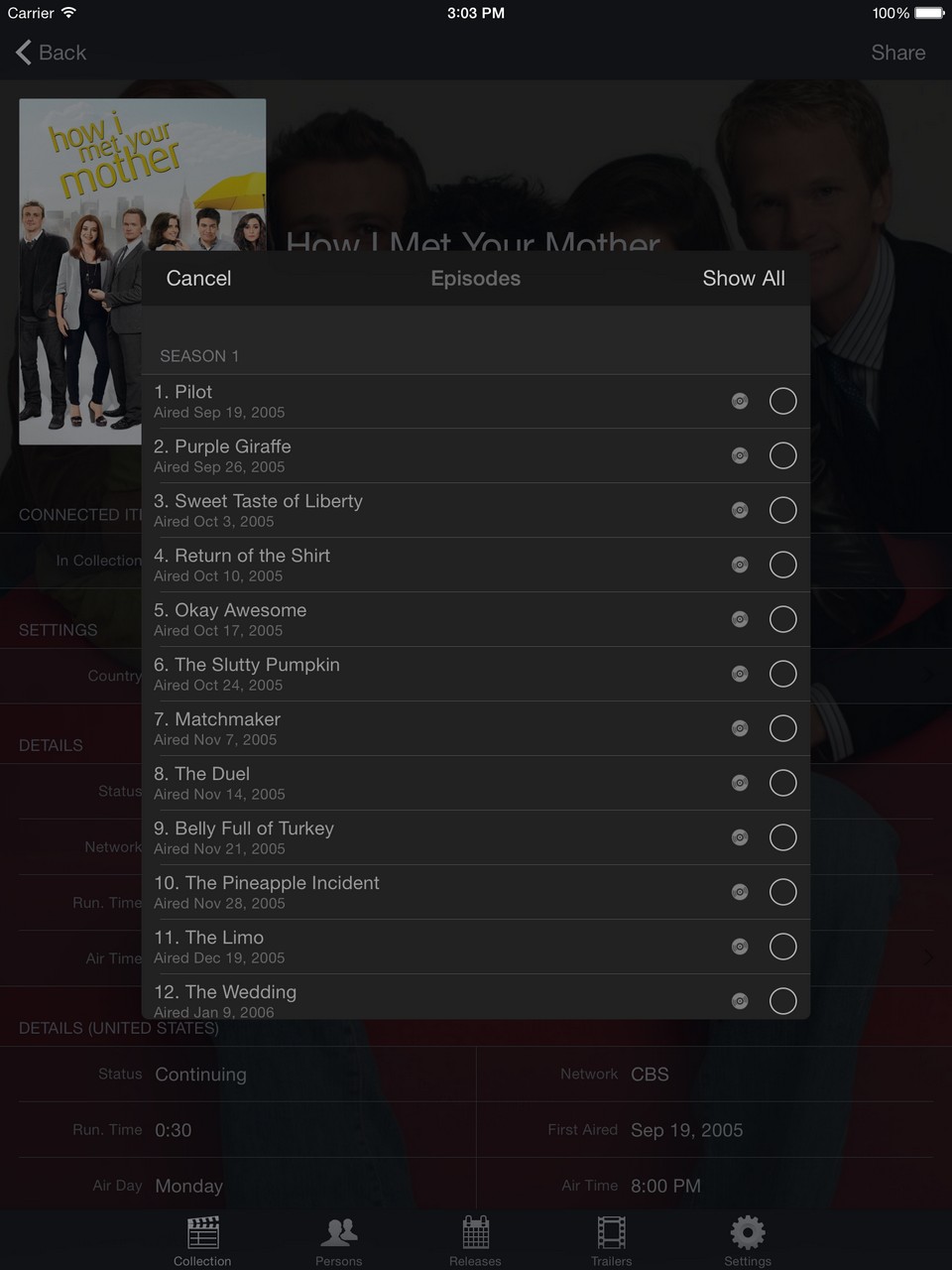
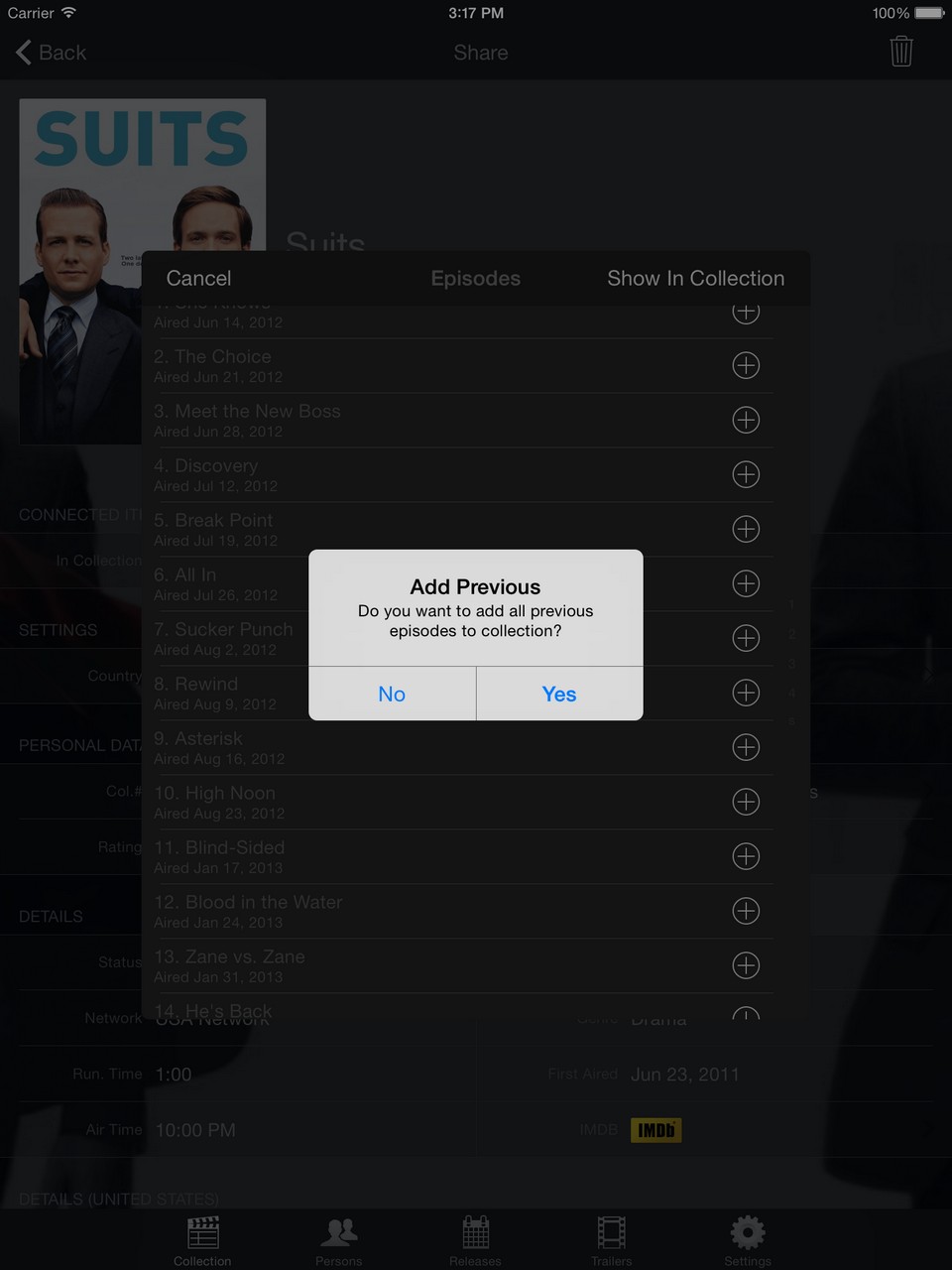
Below, you can see a gallery of screenshots from the My Movies application on iPad.